Describe one complete task
Before choosing a platform, describe what a person needs to finish. Where are they? How often do they do it? What information do they need, and what must still work when the connection is poor? “Capture a field update, attach evidence and let the office review it” gives a team more direction than “we need an app.”
Use a fictional inspection team as the working example. A field worker opens an assigned job, records a note and attaches a photo. An office reviewer checks the evidence and either accepts the update or requests clarification. The worker needs to know which outcome occurred. This is a proposed workflow, not a claim that an araNET product has passed these tests.
Write down the awkward moments too: the worker chooses the wrong job, denies camera access, loses the connection during upload or returns after their assignment changes. Each changes what “complete” means. A note visible on one screen is not enough if its photo or review state is missing elsewhere.
When the browser is a strong starting point
A web product is worth investigating when people arrive through a link, use different computers or need a shared administrative workspace. For the fictional team, start by prototyping the office review in a desktop browser and the field task in a phone browser. That tests the information flow before committing to another distribution channel.
A progressive web app is not simply another name for a native app. MDN describes PWAs as applications built with web technologies that can offer app-like experiences. Advanced API and installation support varies, so the guide recommends feature detection and fallbacks. “PWA” on a proposal is not evidence that a particular offline or background task will work on your phones.
Use this comparison as a decision sheet. Each bullet gives a task, a candidate surface, the test and the consequence of failure:
- Occasional customer checks a job update from a link. Candidate: browser. Test: open the link on the customer’s phone, complete the agreed access step and find the relevant record. If navigation or access is confusing, fix that journey before adding installation.
- Office reviewer compares notes and photos across assigned jobs. Candidate: desktop web. Test: locate a flagged update, inspect its evidence and return a reason for clarification. If the information is missing, another platform will not supply it.
- Field worker records evidence repeatedly. Candidate: phone browser first, with a mobile-specific prototype if needed. Test: choose the right job, capture or select a photo and complete the note on the actual device. If a required interaction remains unusable, investigate a separate mobile experience against that exact requirement.
- Worker must continue without a connection. Candidate: explicitly scoped offline workflow on whichever surface is being considered. Test: disconnect during the task, reopen it and reconnect. Require a defined result for retained drafts, pending uploads and conflicts before choosing the platform.
- Field capture needs a separate mobile experience and office review needs a wide workspace. Candidate: connected mobile and web. Test: submit an update, review it on desktop and see the outcome on the phone. If records or permissions disagree, resolve that shared contract before release.
Record the device, operating system, browser or app version and observed result beside each test. Mark untested requirements as unknown. A deciding requirement should have evidence, not an optimistic checkmark.
What makes mobile worth a separate experience
Investigate a mobile-specific build when repeated on-the-go work, a particular device integration or intentional app-store distribution is central to the product. These are requirements to validate. Camera use alone does not decide the platform; the actual capture, permission and recovery experience matters.
For the inspection example, compare the same field task on the intended phones. Can someone identify the job in bright light, explain a denied permission and resume an interrupted attempt? If work must continue with the app closed, name the exact behavior and verify it against the relevant platform documentation and a device test before promising it.
A separate interface needs its own release and support plan. Ask who prepares store materials where applicable, handles review feedback, maintains supported device versions and checks that an older installed release still understands the shared records. Keep those responsibilities in the scope.
What should be shared when you build both
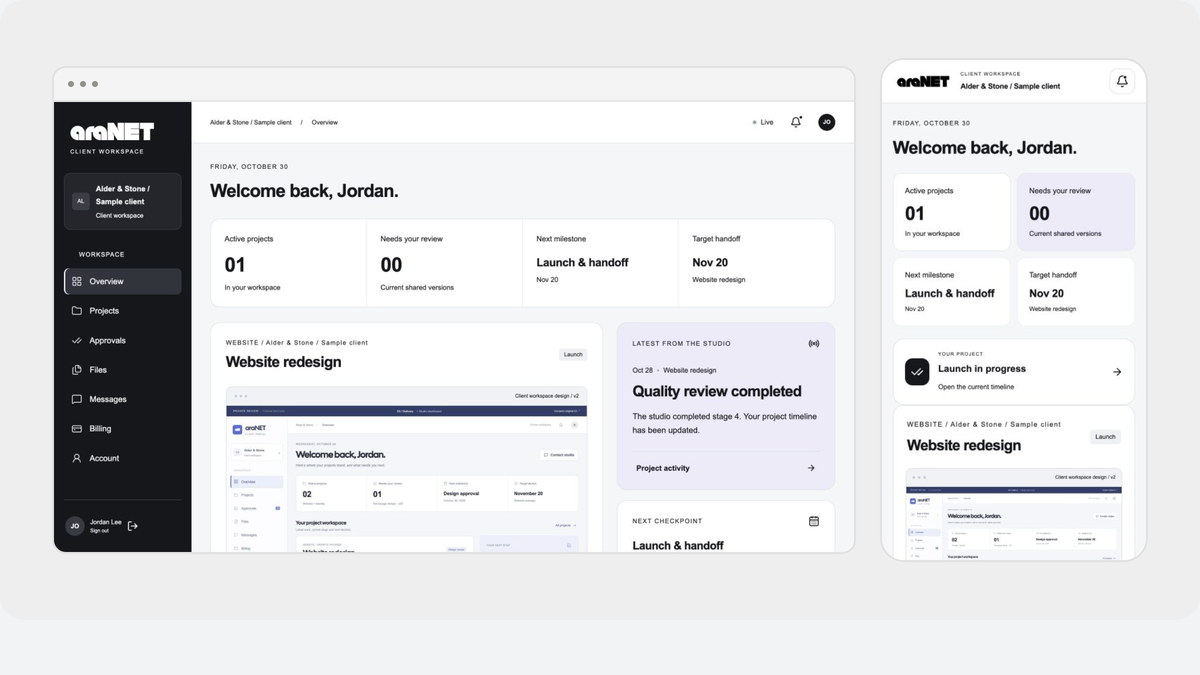
The useful question is whether identity, permissions, business rules and data agree. The field screen can prioritize capture while the office screen prioritizes review.
- Record: the note, photo and job identifier refer to the same update.
- Status: draft, awaiting review, clarification requested and accepted have written meanings; each has an agreed editor.
- Access: a worker sees assigned jobs; the reviewer sees the agreed review queue. Check with separate fictional accounts, including an unassigned user.
- Failure: define what a repeated submission does, how an unsent photo is shown and which action resolves conflicting edits.
- Confirmation: the worker can distinguish a local draft from an update the office can actually review.
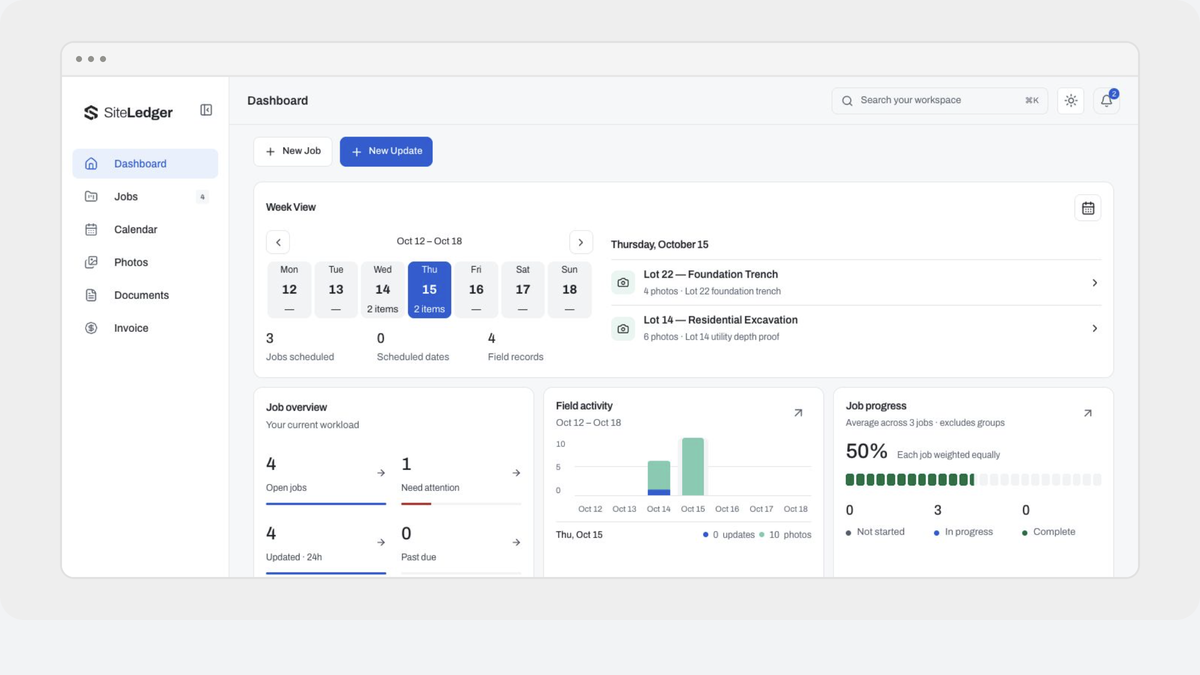
The SiteLedger work story illustrates different desktop and phone priorities using sample records. It is useful design context, not evidence of offline behavior or native-device acceptance.
Choose the first release by what it teaches you
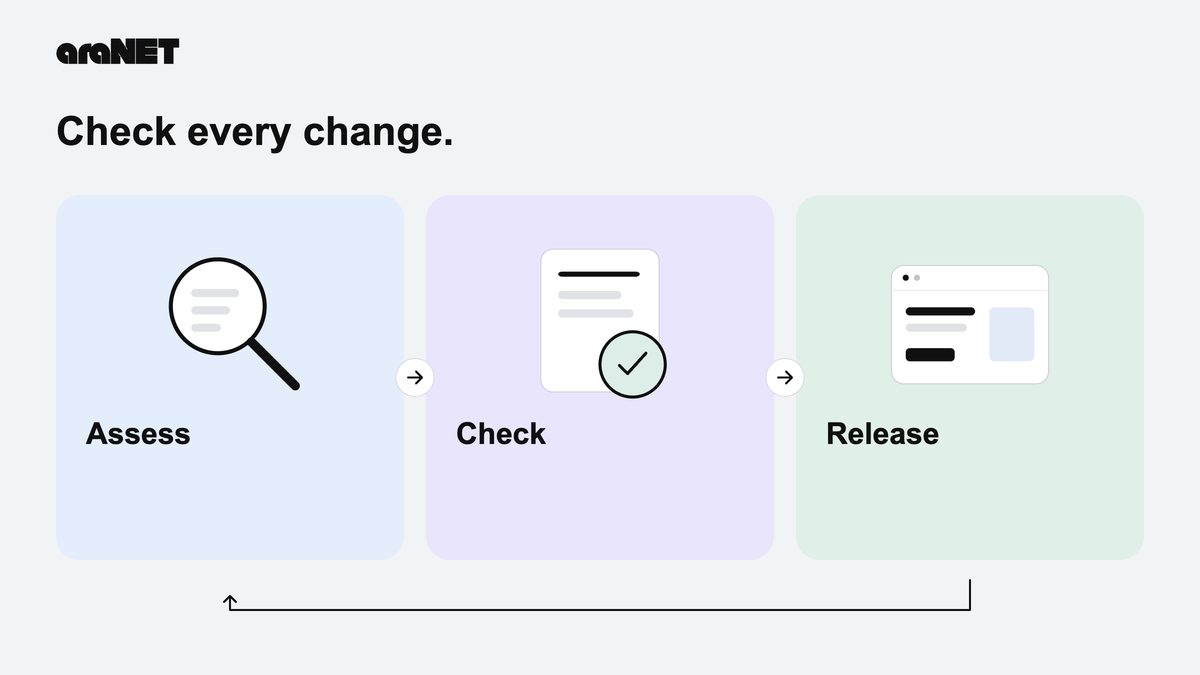
For this example, the first release should prove that an assigned worker can submit a reviewable update and receive a clear outcome. Add a second surface when an observed requirement justifies it. Count completed tasks and recoverable failures, not screens.
Bring the decision sheet, unresolved device requirements and account roles to the software and mobile scope conversation. That gives us a specific workflow to design and a concrete way to judge whether the chosen platform fits.