Define what a useful visit looks like
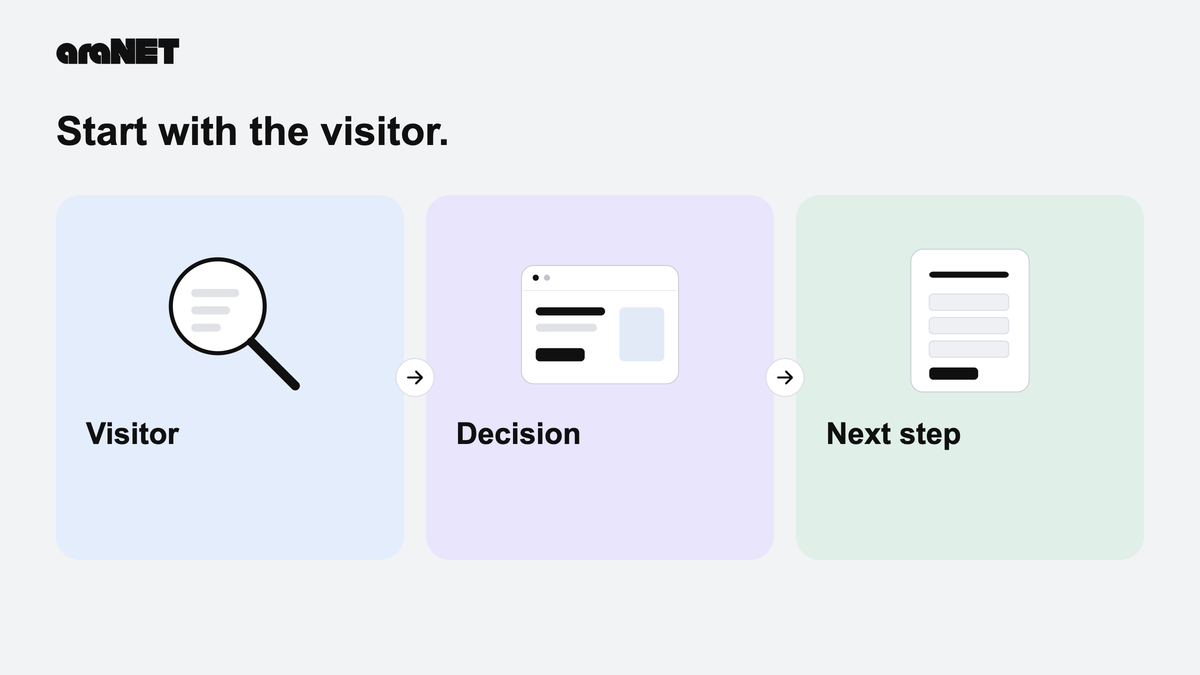
Before debating the final headline, decide what a visitor needs to accomplish. A plumbing company might want a phone call about a repair. A consultant might need a short project brief. Pick the main next step, then read every page with that step in mind. The homepage should make the service, service area and contact route easy to understand without requiring a tour of the whole site.
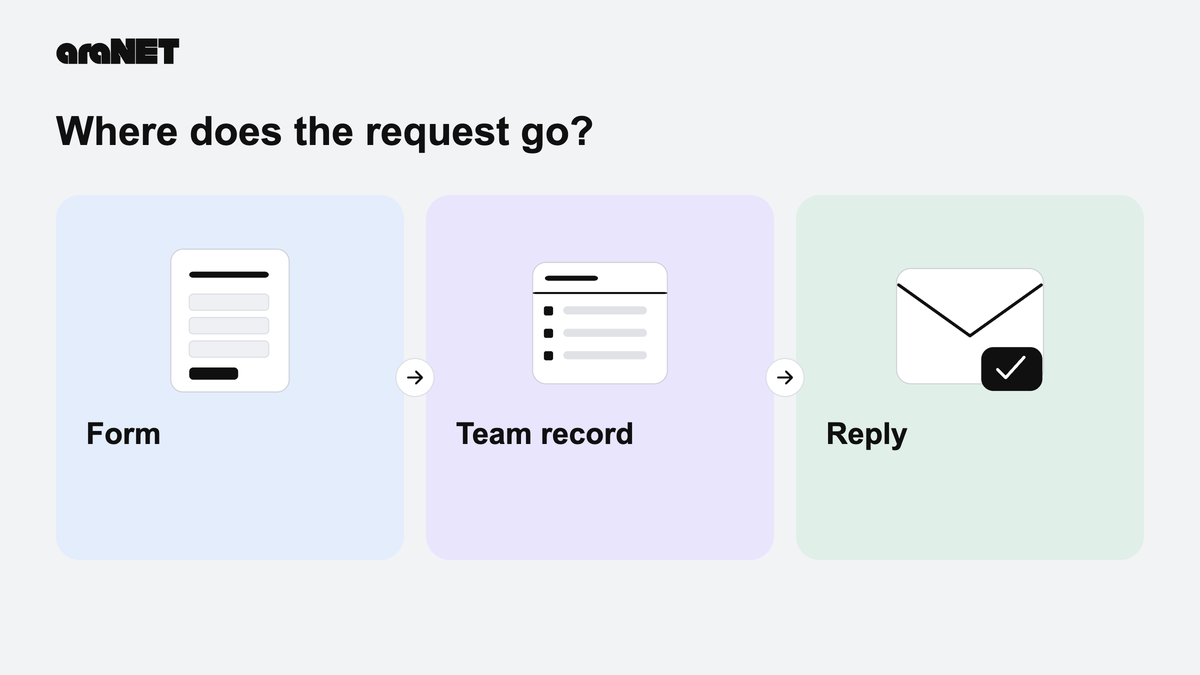
Write down what happens after someone gets in touch, including who responds. That small operational decision belongs in the launch checklist alongside the design.
Check the facts behind the presentation
Read the copy as the person responsible for delivering the work. Are the listed services actually available? Do the locations match where the team works? Remove borrowed testimonials, unsupported superlatives and stock imagery that implies a project you did not complete. A smaller set of accurate details is more useful than a large portfolio that leaves visitors guessing.
Keep source files for the logo and original photographs together. Confirm permission to publish customer names, job photographs and any identifiable people before including them.
Walk the contact path from both sides
Use a phone and a desktop to follow the main action. A visible button is only the beginning: a working intake flow also needs a clear confirmation and a person who can find the request. With permission, use a clearly labeled test submission and check its destination. A local preview should describe its limits instead of claiming a message was sent.
- Check phone numbers, email links and the destination of every primary button.
- Try missing fields and an invalid email address; check that errors are understandable.
- Use the keyboard to reach navigation, fields and the submit control.
- Check that text remains readable when the page is zoomed.
Give each page a clear purpose
Use a distinct, descriptive title for each page and write headings that explain the content. Link to services with meaningful words, rather than a row of unexplained arrows. Google Search Central recommends clear titles, useful content and descriptive links; these are sensible editorial habits as well. They help explain the site, but they do not promise a particular ranking or a launch-day stream of leads.
Leave a usable handoff
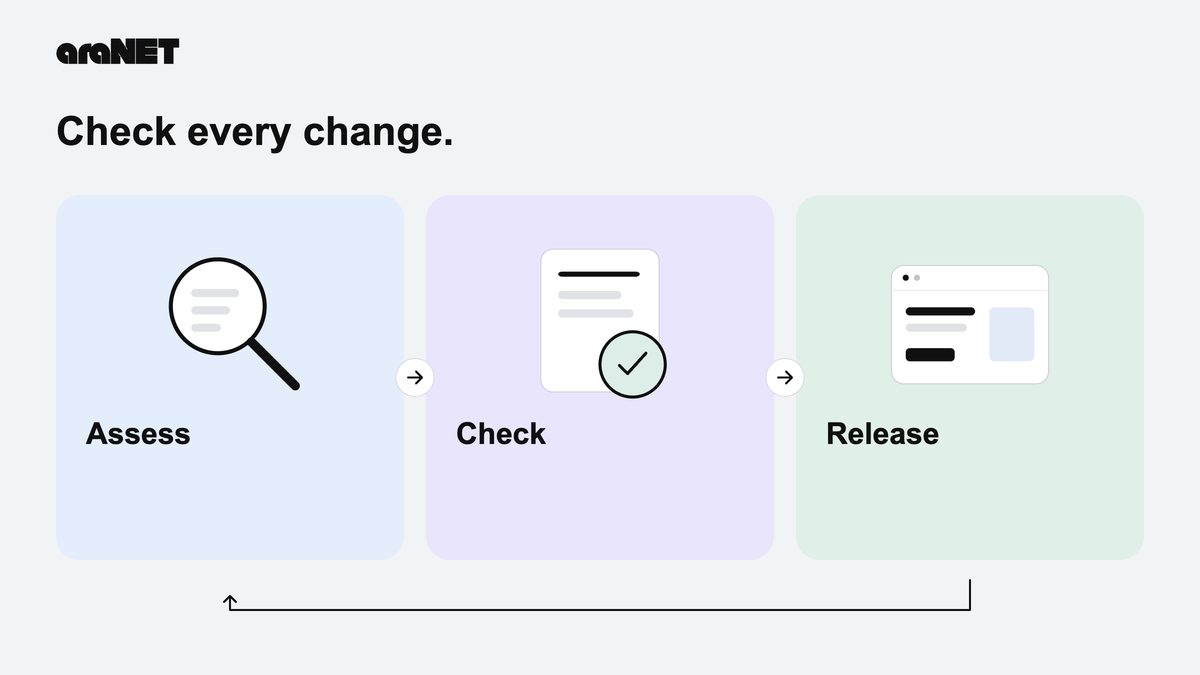
Confirm who owns the domain, who can access hosting and where renewal notices arrive. Agree on who updates hours, services and contact information. Keep access in a password manager rather than an email thread. Record the approved version and any remaining work before authorizing publication. A successful launch includes a business owner who knows how the site will be looked after once the build conversation ends.